02

Evaluate incoming applications

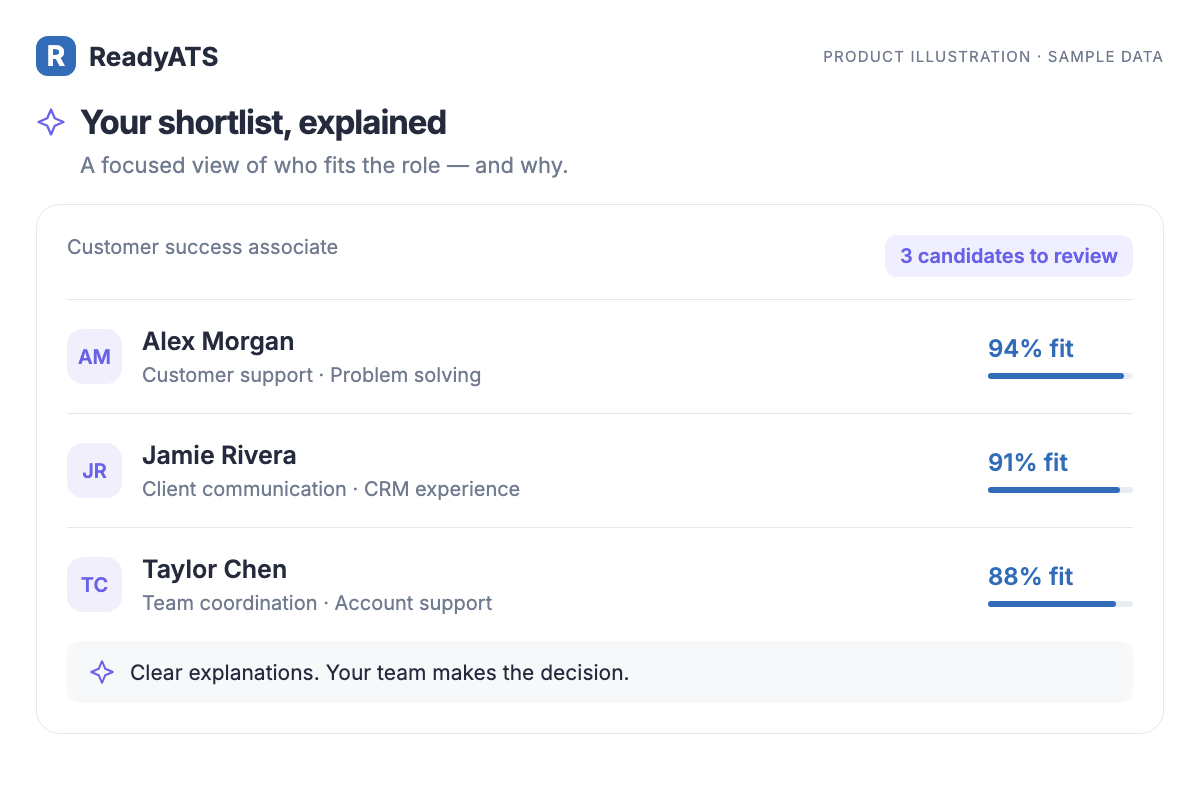
AI Screening & Shortlisting

See who fits the role, and why.

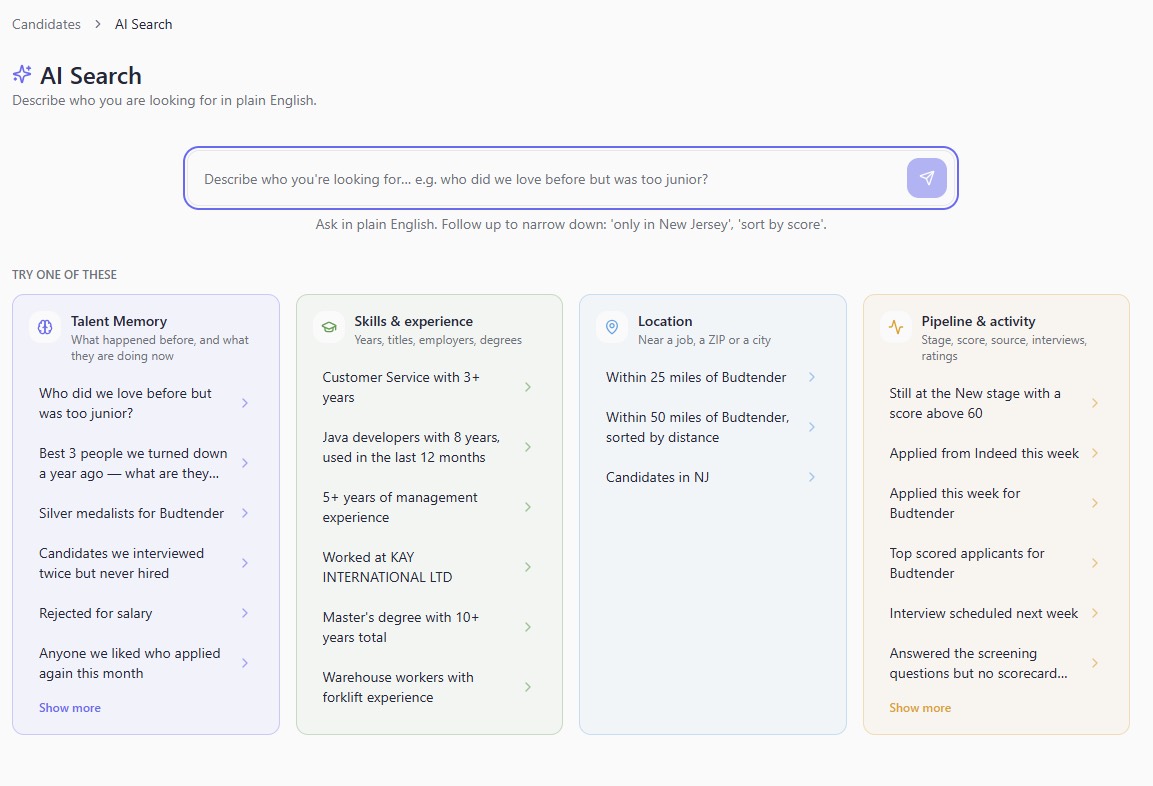
Review applicants against the role’s requirements. A ranked shortlist and plain-English explanations help your team decide who to speak with next.

  • Role-based screening
  • Ranked shortlists
  • Explanations for your review
AI Screening & Shortlisting — product illustration with sample data
Product illustration · sample data
03

Help candidates complete an application

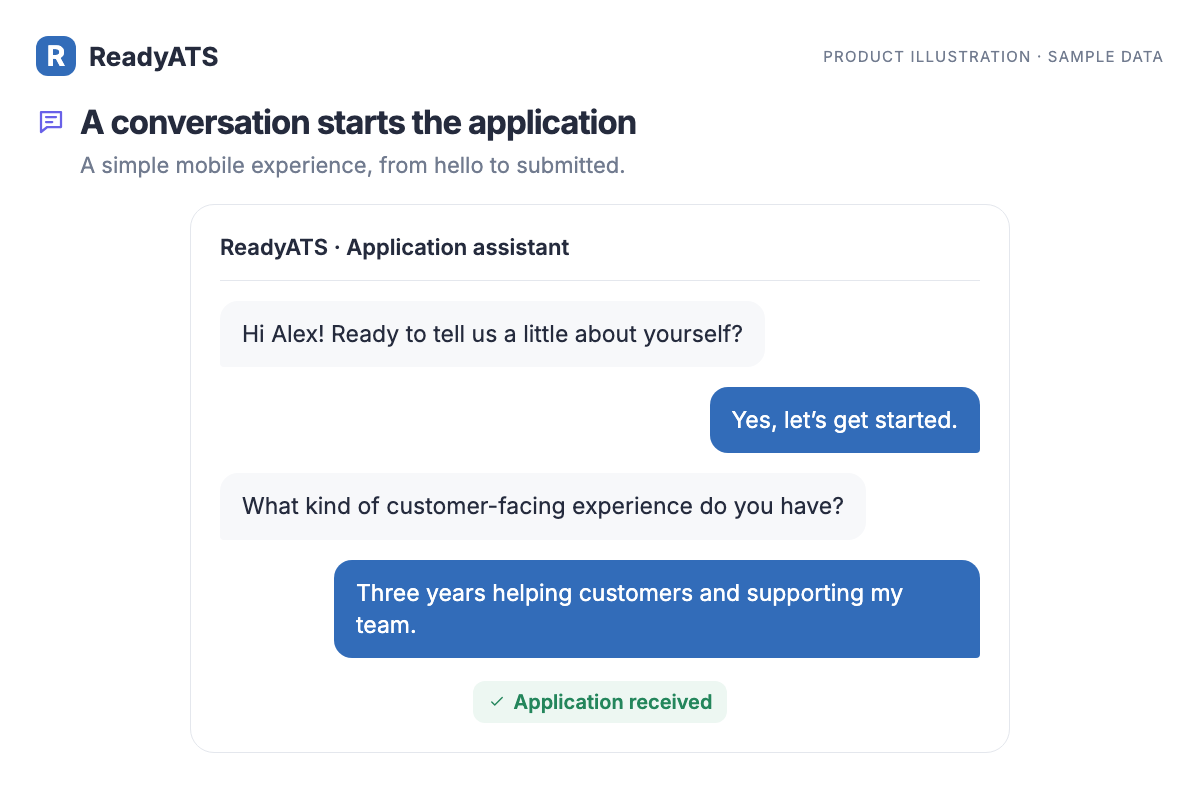
Conversational Apply

Turn an application into a conversation.

Let candidates introduce themselves and answer screening questions through a guided chat on your career page. A simple mobile experience takes them from hello to submitted.

  • Career-page chat
  • Screening questions
  • Mobile-friendly applications
Conversational Apply — product illustration with sample data
Product illustration · sample data
04

Keep applicants informed

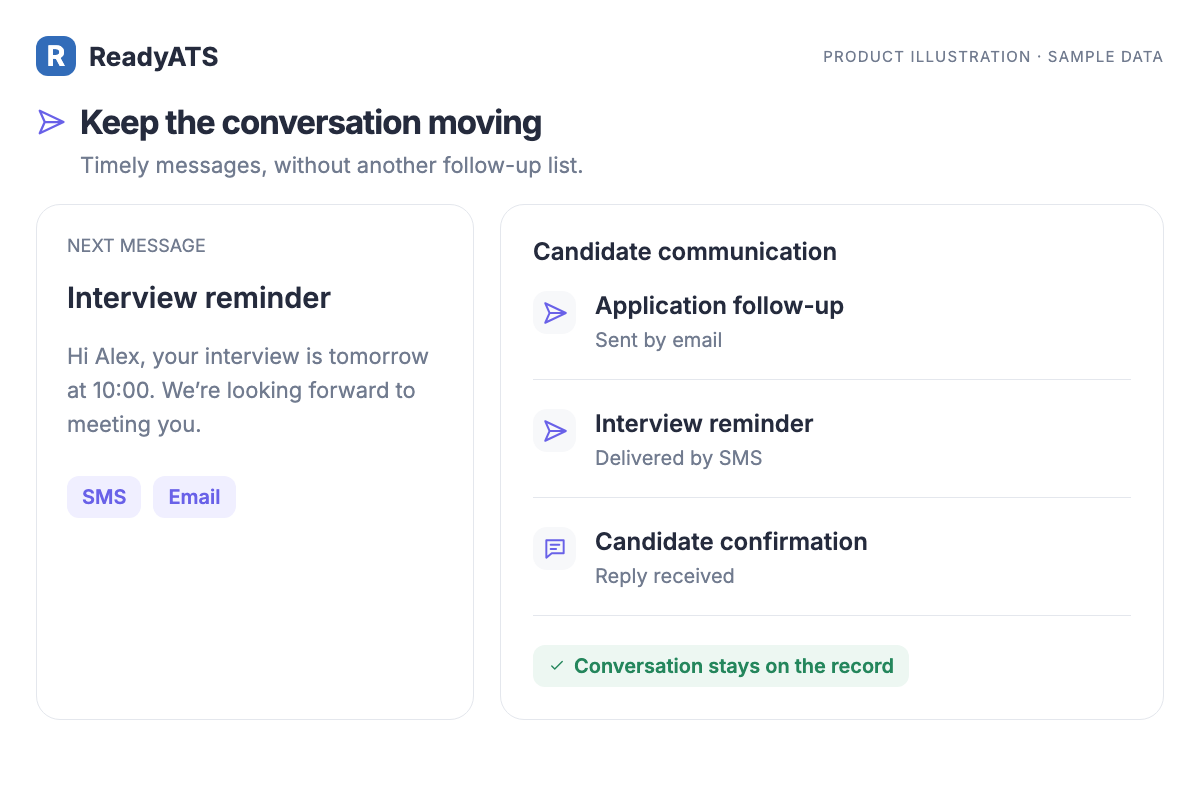
SMS & Email Follow-ups

Keep the next conversation moving.

Send follow-ups, interview reminders, and scheduling messages through SMS and email. Keep your communication together with the candidate record.

  • SMS and email messages
  • Interview reminders
  • Candidate communication history
SMS & Email Follow-ups — product illustration with sample data
Product illustration · sample data
05

Coordinate the steps across your team

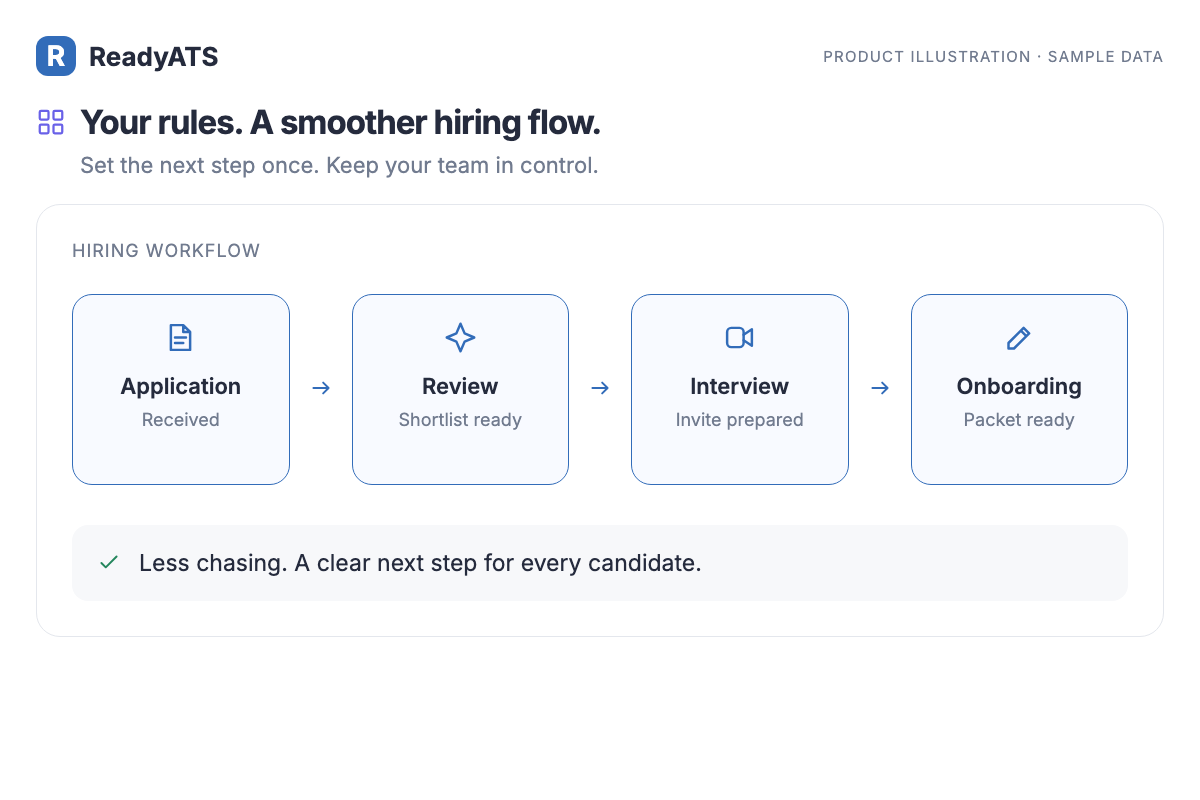
Hiring Workflow Automation

Set the rules for what happens next.

Define the next action at each hiring stage, from review and outreach to interview scheduling. Keep candidates moving through a consistent process with your team in control.

  • Stage-based rules
  • Coordinated next steps
  • A clear hiring process
Hiring Workflow Automation — product illustration with sample data
Product illustration · sample data
06

Review recorded candidate answers

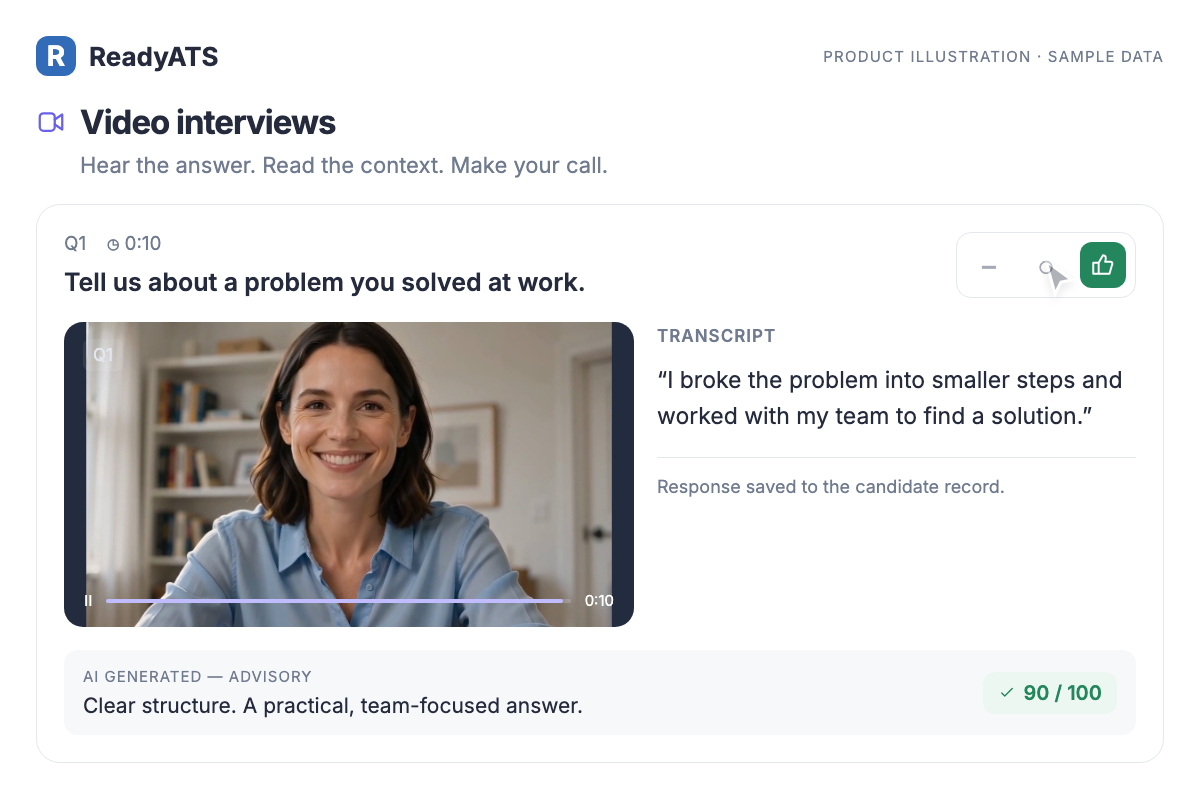
Video Interview

Hear the answer. Add your perspective.

Review recorded answers, read the transcript, and keep your feedback with the candidate. AI insights add context while your team makes the call.

  • Recorded responses
  • Transcripts
  • Reviewer feedback
Video Interview — product illustration with sample data
Product illustration · sample data
07

Prepare new hires for their first day

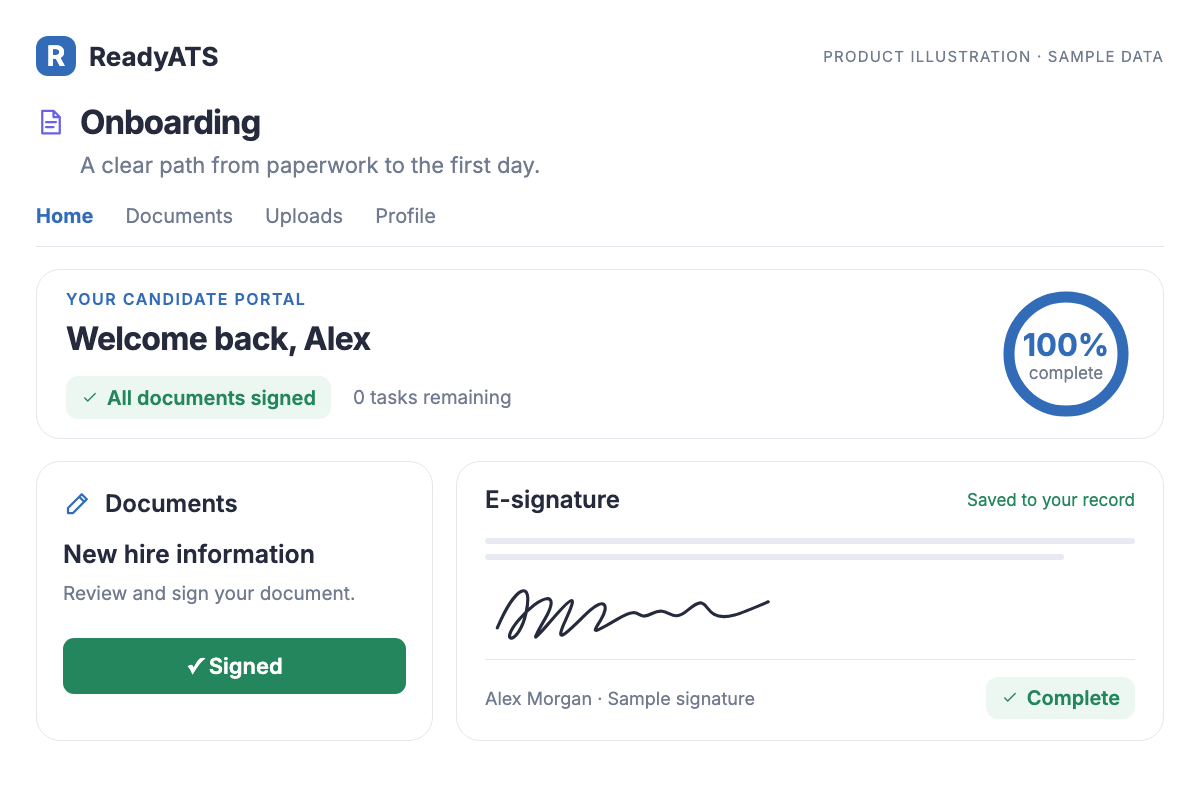
Onboarding

Make paperwork a clear next step.

Give every new hire a clear candidate portal for documents, tasks, and e-signatures. They see what’s left. You see what’s complete.

  • Candidate portal
  • Document e-signatures
  • Progress tracking
Onboarding — product illustration with sample data
Product illustration · sample data
08

Meet with Google Meet or Zoom

Interview Scheduling

Schedule interviews without the copy-paste.

Pick Google Meet or Zoom when you schedule, and the link is created on the spot, shown in the invitation and sent to the candidate by e-mail and text.

Included on Basic and Pro.

Microsoft Teams is next.

See plans

What your team can do

  • Google Meet through the recruiter’s own Google Calendar connection. No extra sign-in.
  • Zoom through your company’s Zoom account. Connect it once under Integrations; a five-minute guided setup is built in.
  • The join link is in the confirmation e-mail, the text message, the calendar invite and the candidate’s schedule page. A reminder text goes out an hour before.
  • Reschedule or cancel and the meeting follows. Nothing to clean up in Zoom or Google.
  • A personal meeting link per recruiter also works for teams without either.
09

Reconnect with talent you know

Talent Pool with Maya

Keep the good ones. Find them again in seconds.

Save any search as a named pool, add people by hand, and text or assign a whole pool at once. Maya, the AI assistant, surfaces past applicants who fit a new job the moment you open it.

Included on Basic and Pro.

See plans

What your team can do

  • Save a search from Advanced Search or an Ask Maya answer as a pool. It stays live: new matching applicants show up on their own.
  • Add or remove people from the candidate page, the search results or the pool itself.
  • Bulk actions on a pool: text everyone, assign them to a job, export.
  • When you create a job, Maya shows past applicants who fit it so you can reach them before you post.
  • No companies, no deals, no CRM to maintain. It is a hiring tool, not a sales tool.
10

Reach your next hiring audience

SMS campaigns

Text a hundred candidates as easily as one.

Write once, pick a pool or a selection, preview with real names, send. Replies land in your inbox, and STOP is handled for you.

Campaigns are on Pro.

One-to-one texting is on every plan. 1,000 text messages a month are included; more can be added.

See plans

What your team can do

  • Merge fields for first name, job title, company and recruiter. Preview shows the real text before it goes out.
  • Audiences from talent pools, a selection on the candidate list, or an Ask Maya answer.
  • Opt-outs handled automatically: a STOP reply or a manual opt-out stops future texts, and the campaign skips those people.
  • Delivery status per recipient, resend messages that weren’t delivered, and export the list.
  • Every text and every reply is logged on the candidate’s timeline.
11

Make every recruiter feel at home

Nine languages

Your recruiters work in their language. So does ReadyATS.

The whole admin app, the daily briefing from Maya and every e-mail and text template are available in nine languages. Each user picks their own.

Included on every plan.

See plans

What your team can do

  • English, Spanish, French, German, Portuguese, Italian, Japanese, Dutch, and Chinese (Simplified and Traditional).
  • Per-user setting, not per-company: a bilingual team sees the same data in different languages.
  • Dates, numbers and time zones follow the user’s locale.
12

Care for candidate data

GDPR and candidate privacy

Privacy built into the hiring flow, not bolted on.

Consent at apply, a retention clock per candidate, and one-click anonymisation when a candidate asks to be forgotten.

Included on every plan.

ReadyATS also publishes an AI fairness statement.

See plans

What your team can do

  • Consent captured on the application form with your own privacy text; the date and version are stored on the candidate record.
  • Retention rules by tenant: keep for the hiring process only, or keep for future roles with the candidate’s permission and an expiry date.
  • Erasure on request: a recruiter marks the request, and the record is anonymised — name, contact details and resume files are removed while hiring statistics stay intact.
  • Candidates can opt out of text messages at any time; the STOP register is respected everywhere.
  • Audit trail of consent, erasure requests and completions for your data protection officer.
  • Hosted in the United States.